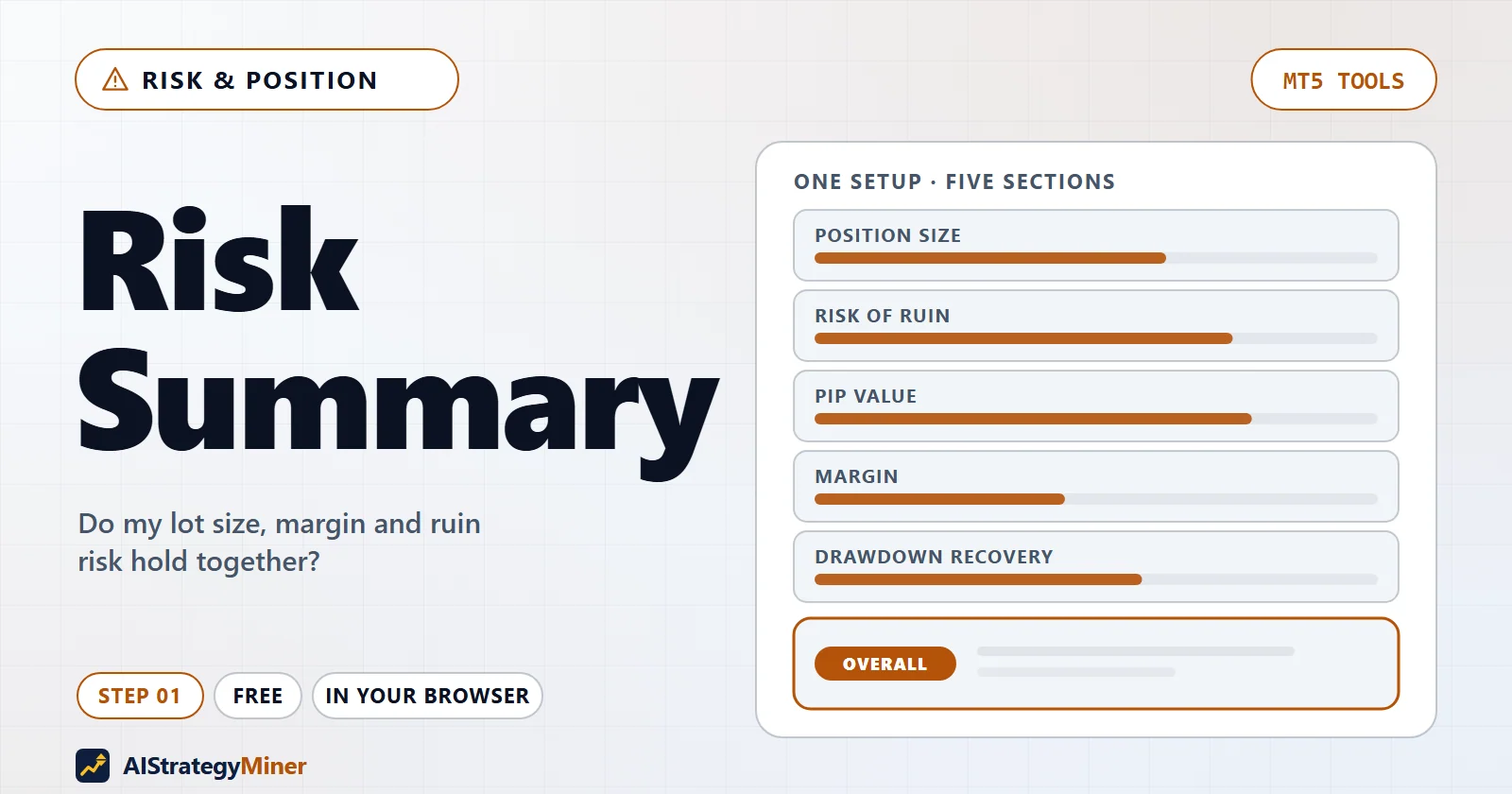
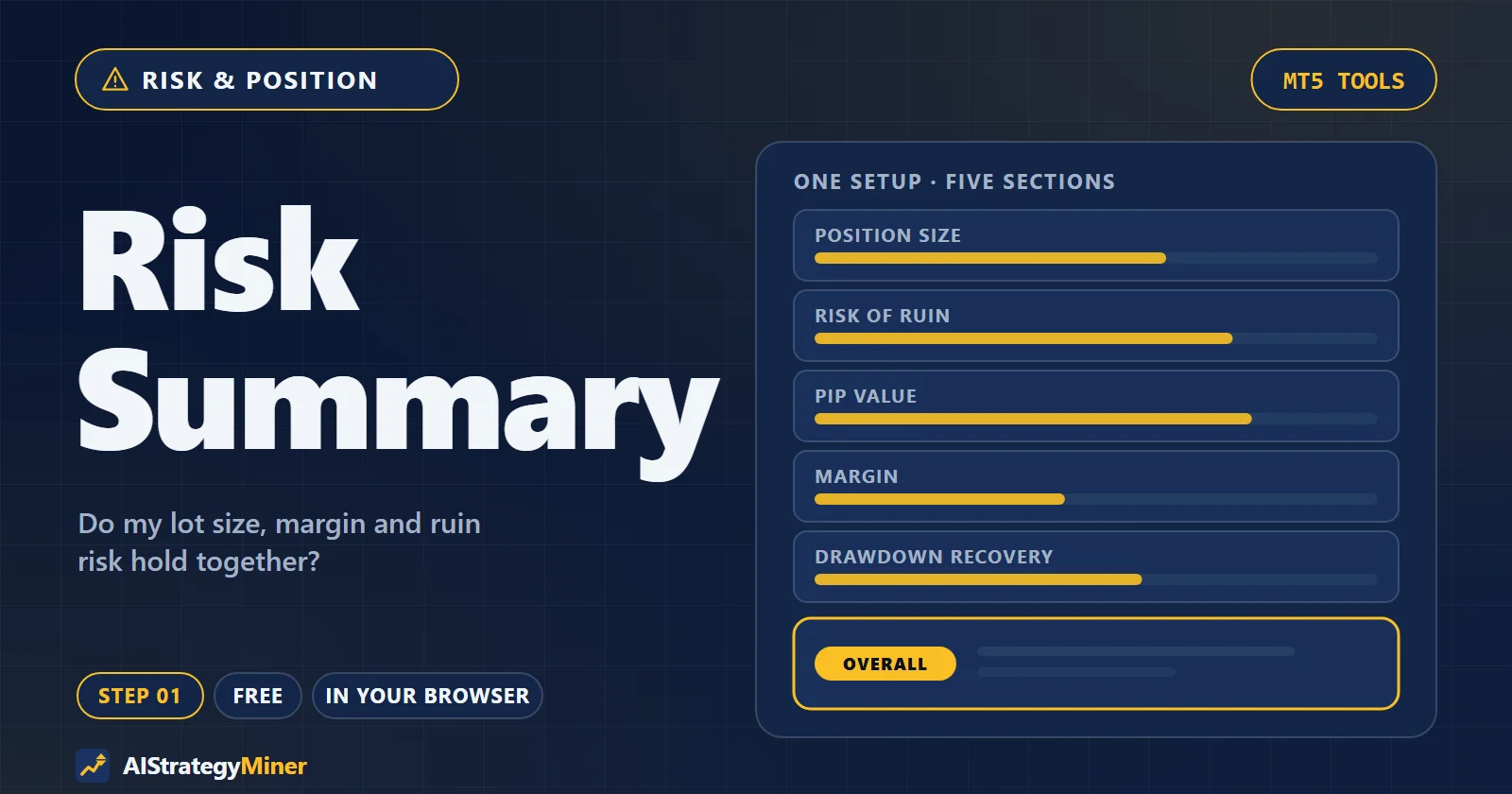
Risk Summary
Enter your account and risk once. The lot size, margin, risk of ruin, pip value and drawdown recovery are worked out together, so you can see whether they hold at the same time.
Free · No install · Runs in your browser
Results by calculator
Position Size & Risk
Lot size for your risk per trade and stop loss, rounded down to the lot step.
Risk of Ruin
The chance of losing your ruin limit with this win rate, payoff and risk.
Pip Value & Cost
What one pip is worth at this lot size, and what a round trip costs.
Margin & Stop-Out
Margin used at this lot size across all EAs, and how far price can move before the stop-out.
Drawdown Recovery
The gain needed to climb back from the drawdown you entered, and how long that can take.
Enter your current drawdown in the inputs above to see the gain needed and how long recovery could take.
How to use it
- Enter your numbersType your own values into the fields, or choose your MetaTrader report if the tool reads a file. The values already there are only a starting example.
- Read the result and the diagnosisThe large number answers the question. The cards under it say what looks wrong and what to change.
- Try a fix or take it furtherApply a suggested change to see the result move, follow the link to the next tool, or copy the link to come back to the same inputs.
How this is calculated
Every section runs the same code as its own calculator page, in this tab. The lot size from the position-size section is the one used by the pip value and margin sections; with more than one EA the same lot is counted once per EA.
The overall result only counts the critical and warning findings of the five sections. It says what these inputs show, not how a strategy will do. For a pair quoted in another currency the rate you enter is used; it is never estimated.
Risk of ruin uses the win rate and payoff you enter, not a tested result. The recovery section uses the monthly return and volatility you enter. Change any input and every section updates.
Questions and answers
Is it free, and do I need an account?
Free · No install · Runs in your browser. No account needed to calculate.
Is anything uploaded?
Everything above runs in your browser. No balance, symbol or setting is sent to a server, and there is nothing to delete afterwards.
How far can I trust the result?
Everything is calculated from the numbers you type. The overall result describes these inputs, not the future.
Related tools
Turn the numbers into a plan
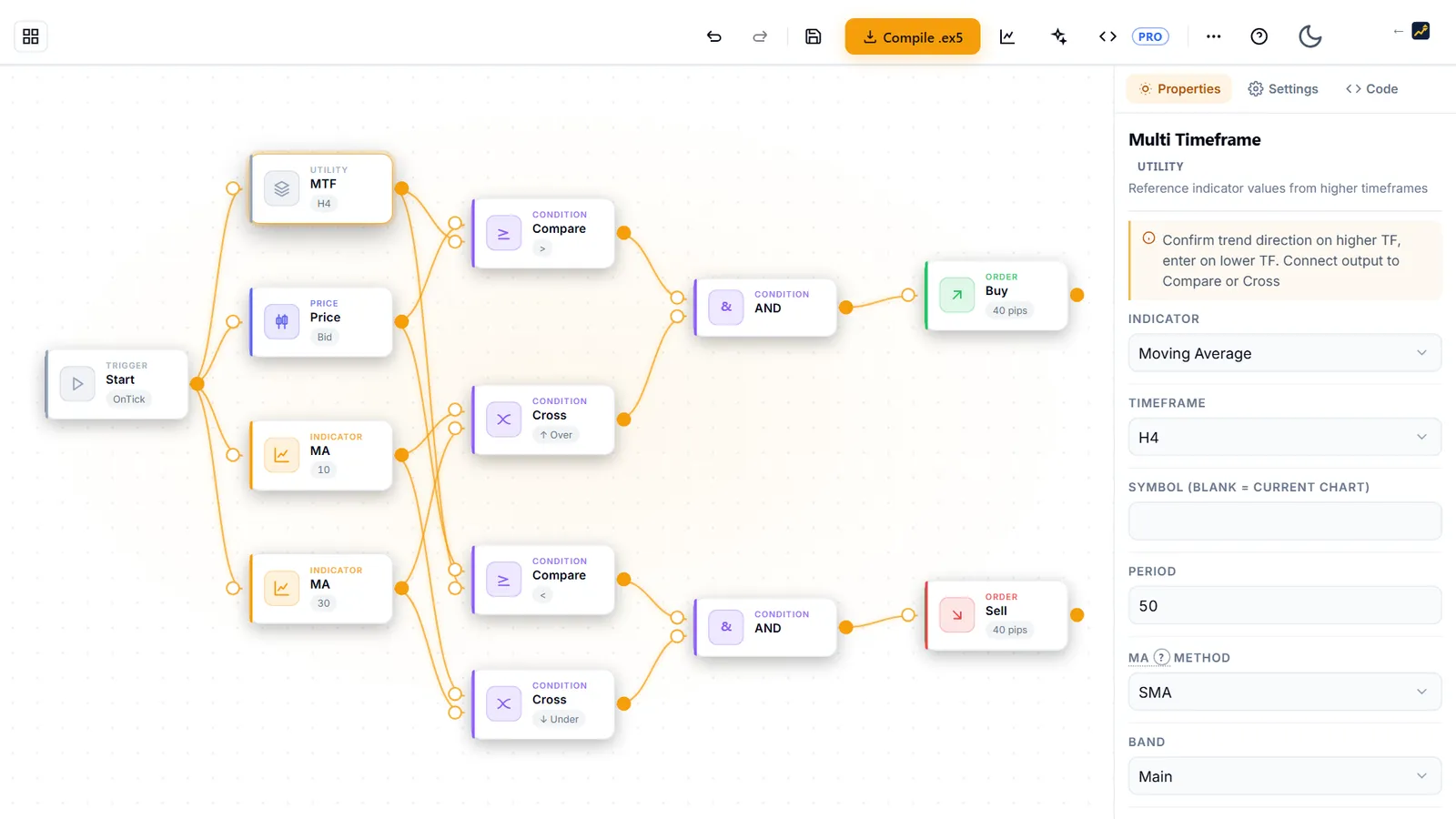
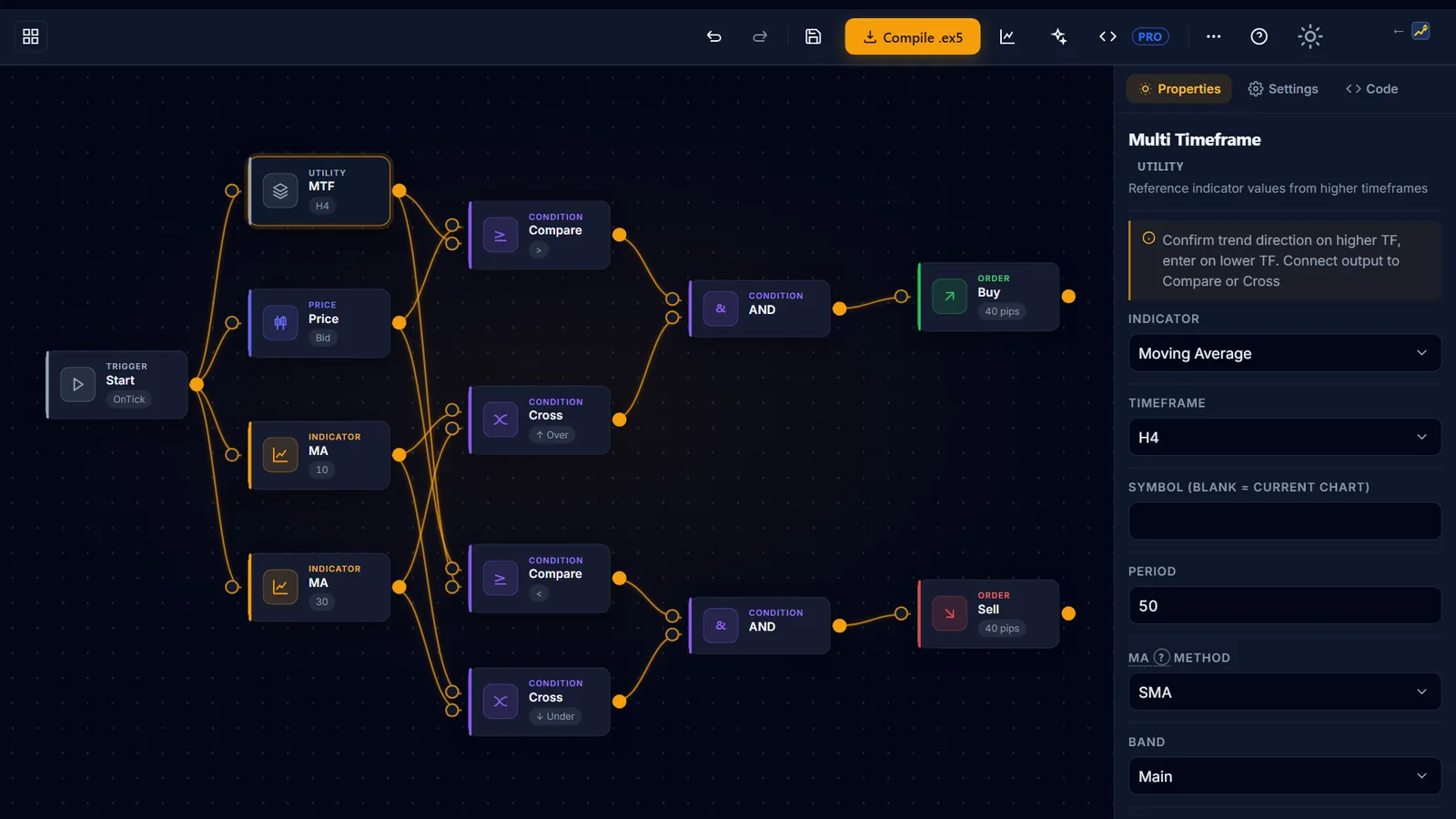
The summary shows whether your lot, margin and ruin risk hold together. AIStrategyMiner Strategy Builder lets you wire your entry and exit rules together as blocks, set the stop loss and lot rule you just checked, and export the MQL5 source of each version, with no code.
- Put the stop loss and risk you checked into a strategy, build the EA for MT5 and more, then test it in the Strategy Tester.
Check the finished EA in your own trading platform before you trust it. The numbers on this page come from what you typed; they are not a forecast of results.