Included with Builder Pro
Builder Pro recipes
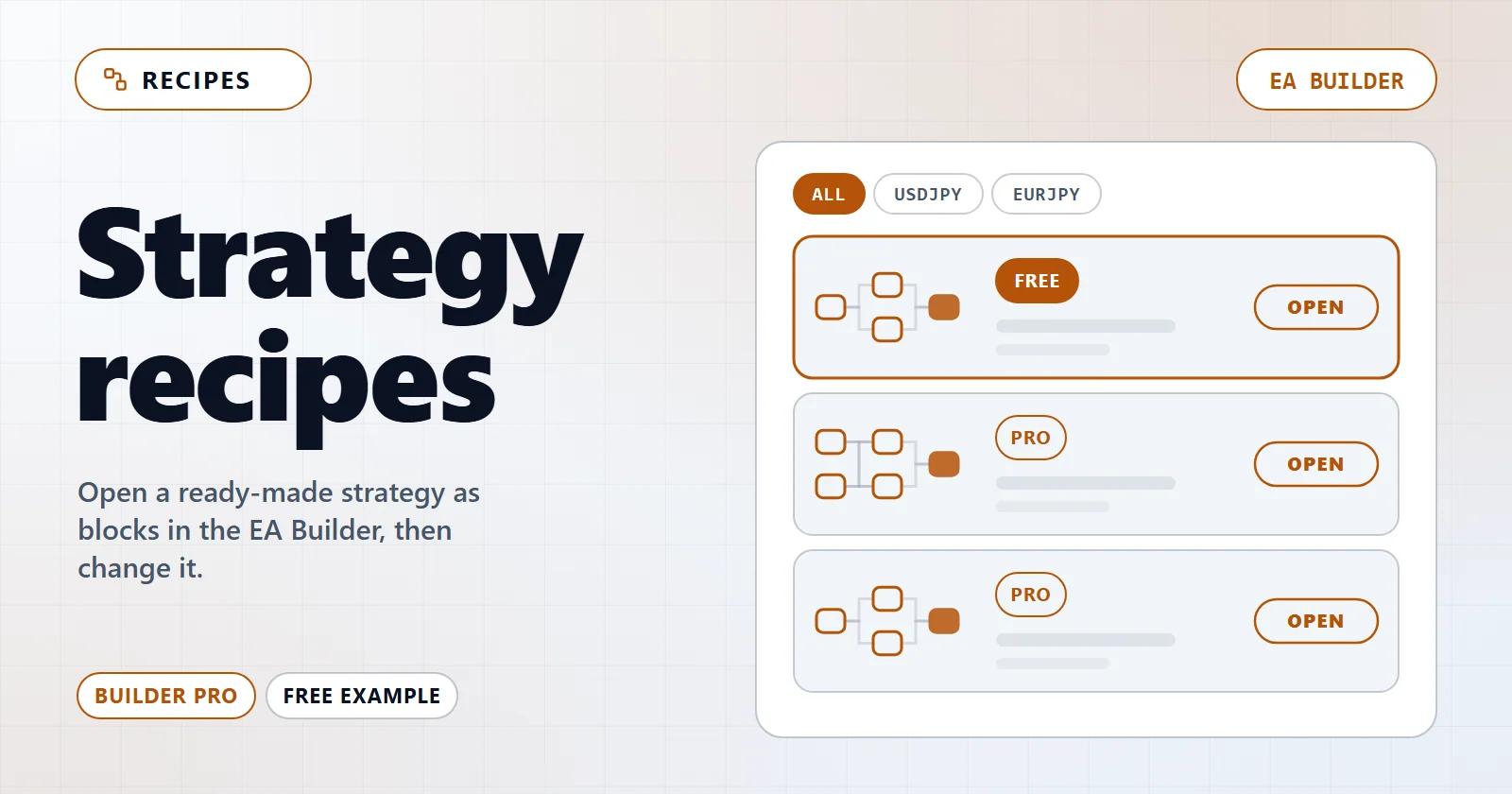
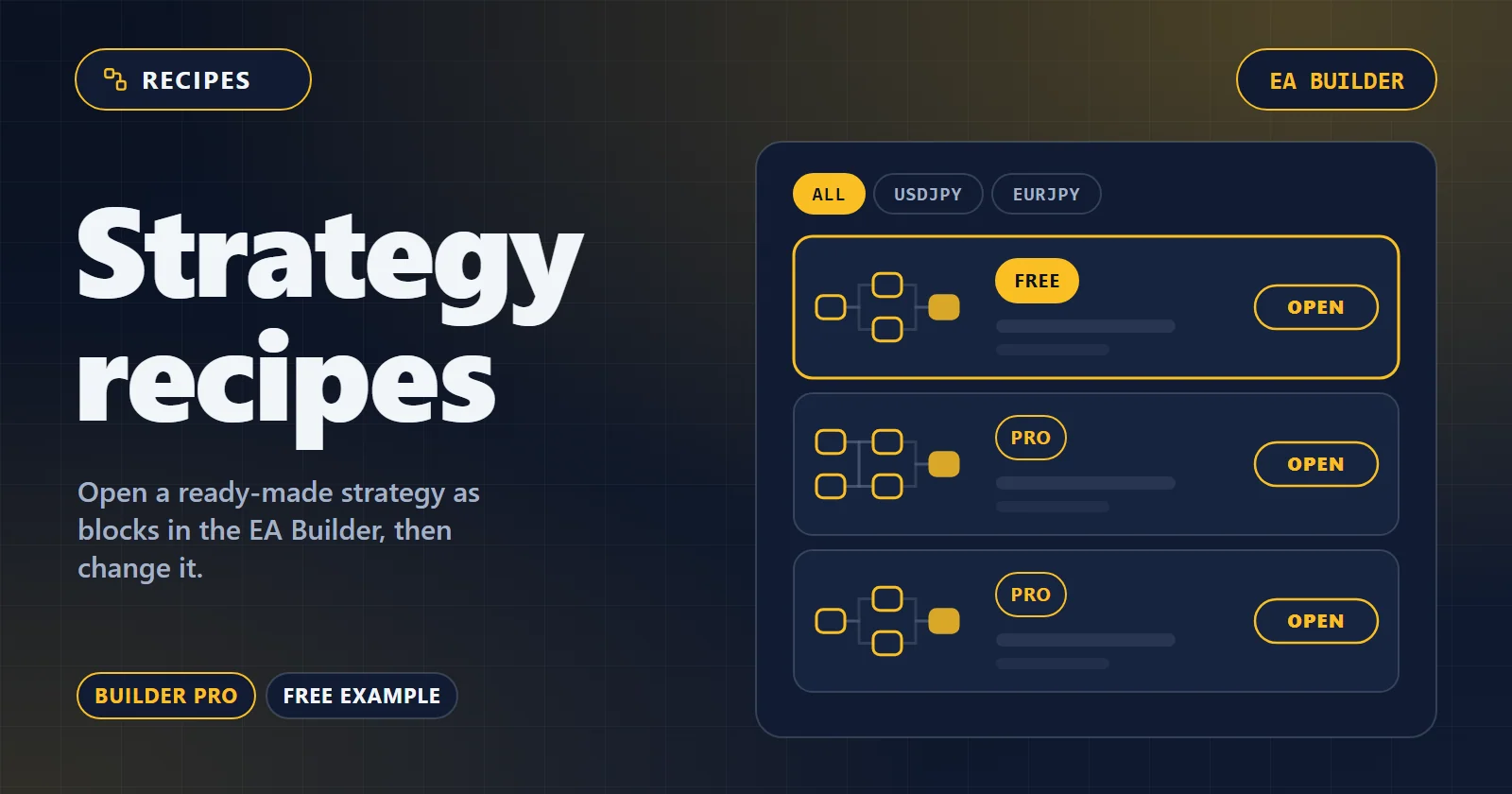
Recipes are finished strategies you open in the EA Builder and then edit block by block. Each one passed a real-terminal backtest gate before it was added. They are deliberately kept out of the template gallery — this page is their index.
- Recipes
- 9
- Symbols
- 4
- Strategy types
- 4
- Median profit factor
- 1.30
Free example
Start with a free recipe
This one opens in the Builder without a Pro licence, so you can see how a recipe loads as blocks before you decide.
- Free
Tokyo Fixing Fade (USDJPY M1)
Included with Pro
Recipes in Builder Pro
Filter by market
- Pro
USDJPY M1 — Time window
USDJPY M1 time window
- Profit factor
- 1.82
- Trades
- 532
- Max drawdown
- 0.70%
- Win rate
- 59.4%
- Pro
EURJPY M1 — Time window
EURJPY M1 time window
- Profit factor
- 1.66
- Trades
- 532
- Max drawdown
- 0.94%
- Win rate
- 59.0%
- Pro
USDJPY M1 — Time window
USDJPY M1 time window
- Profit factor
- 1.47
- Trades
- 454
- Max drawdown
- 1.96%
- Win rate
- 57.9%
- Pro
USDJPY M1 — Time window
USDJPY M1 time window
- Profit factor
- 1.42
- Trades
- 348
- Max drawdown
- 3.77%
- Win rate
- 57.8%
- Pro
CHFJPY M1 — Time window
CHFJPY M1 time window
- Profit factor
- 1.30
- Trades
- 363
- Max drawdown
- 2.22%
- Win rate
- 52.9%
- Pro
USDJPY M5 — Combo
USDJPY M5 compound
- Profit factor
- 1.22
- Trades
- 508
- Max drawdown
- 10.37%
- Win rate
- 59.6%
Blocks 25 Open in Builder → USDJPY M5 — Combo - Pro
JPNIDXJPY H1 — Ichimoku
JPNIDXJPY H1 ichimoku
- Profit factor
- 1.21
- Trades
- 362
- Max drawdown
- 1.16%
- Win rate
- 63.8%
- Pro
EURJPY M15 — Keltner mean-reversion
EURJPY M15 keltner
- Profit factor
- 1.20
- Trades
- 478
- Max drawdown
- 8.30%
- Win rate
- 37.9%
- Pro
EURJPY M15 — Ichimoku
EURJPY M15 ichimoku
- Profit factor
- 1.20
- Trades
- 436
- Max drawdown
- 9.12%
- Win rate
- 37.8%
Blocks 10 Open in Builder → EURJPY M15 — Ichimoku
The test environment is on record for 9 of 9 recipes; the rest predate the current gate log. Every figure comes from the backtest that admitted the recipe, not from live trading.
How it works
From a recipe to your own EA in three steps
- 1
Open a recipe from the list
Pick a row below and choose “Open in Builder”. Recipes come with Builder Pro; everything else in the Builder stays free.
-
 2
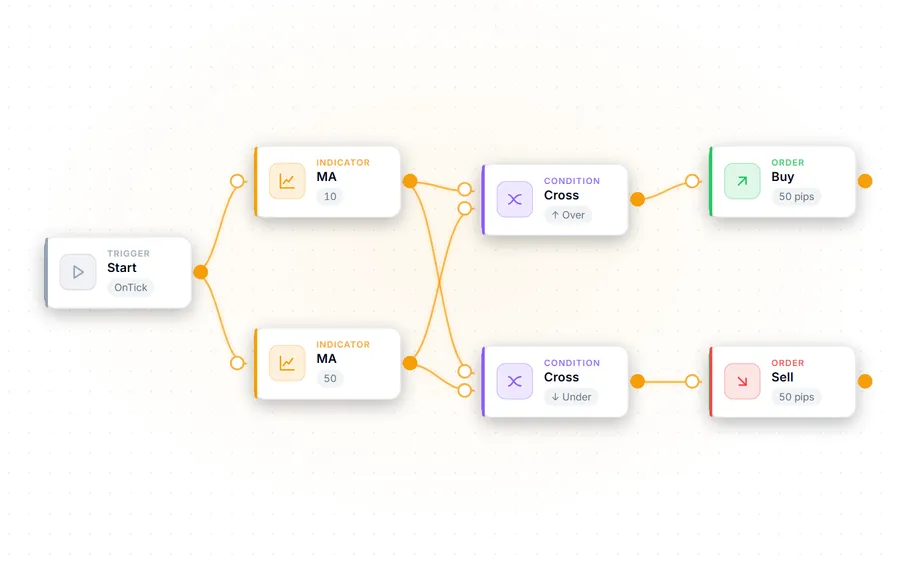
2It loads as blocks on the canvas
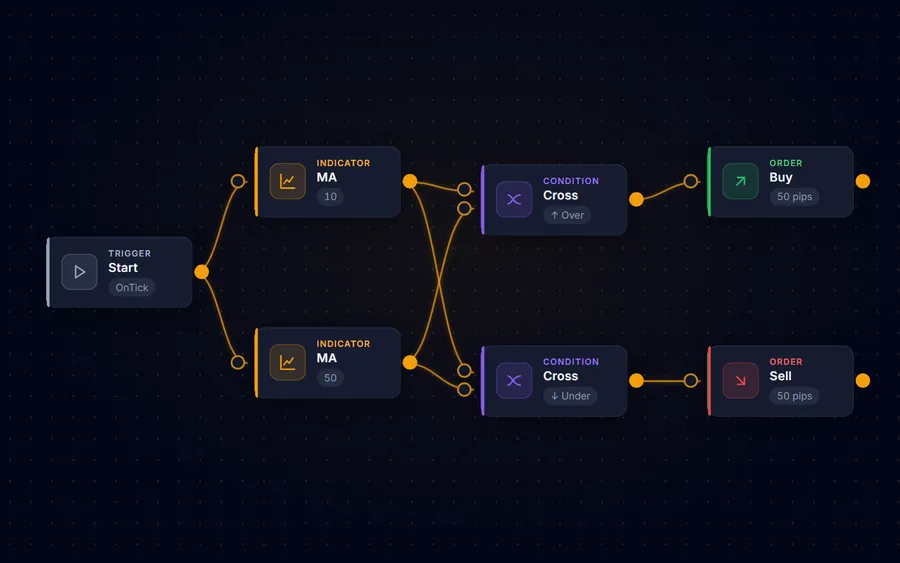
The recipe opens as a block diagram on the Builder canvas, ready for you to read, rearrange and extend.
-
 3
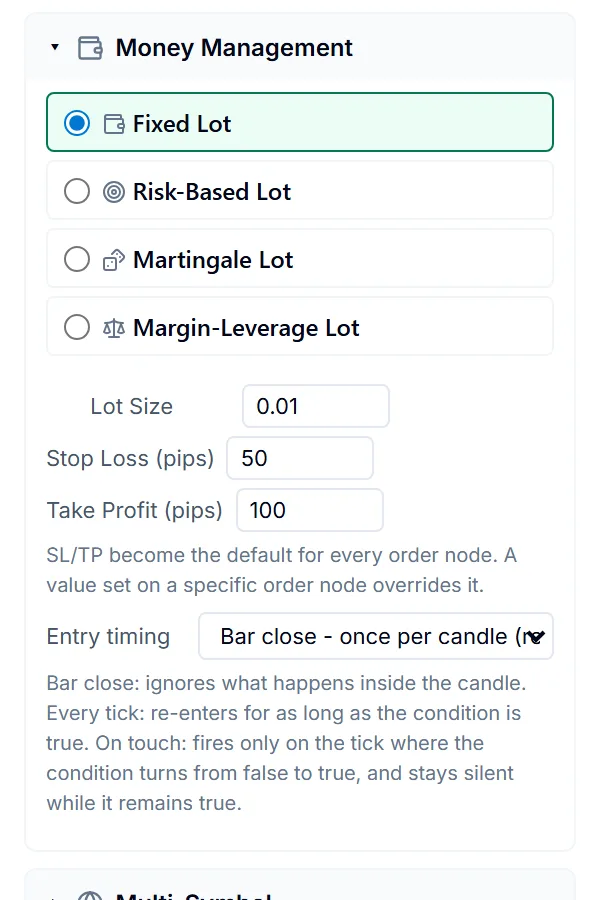
3Adjust it, test it, compile it
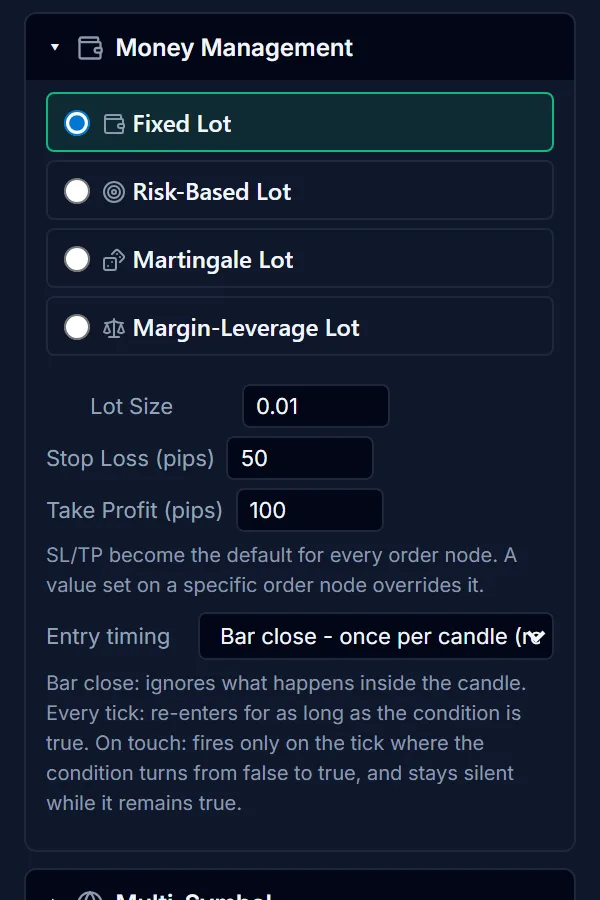
Change the parameters to suit your own broker and risk, re-run the strength test, then compile the .ex5 for MetaTrader 5.
Opening a recipe in the Builder needs Builder Pro. Everything else in the Builder stays free.
See Builder ProPast backtest results do not predict future returns. Re-test any recipe on your own broker's data and account conditions before risking money.