Strategy Builder Pro 已包含
Strategy Builder Pro 策略配方
配方是已完成的策略,你可以在 Strategy Builder 中開啟,然後逐個模組修改。每一個在收錄前都通過了真實終端的回測門檻。它們被刻意排除在範本庫之外——本頁就是它們的索引。
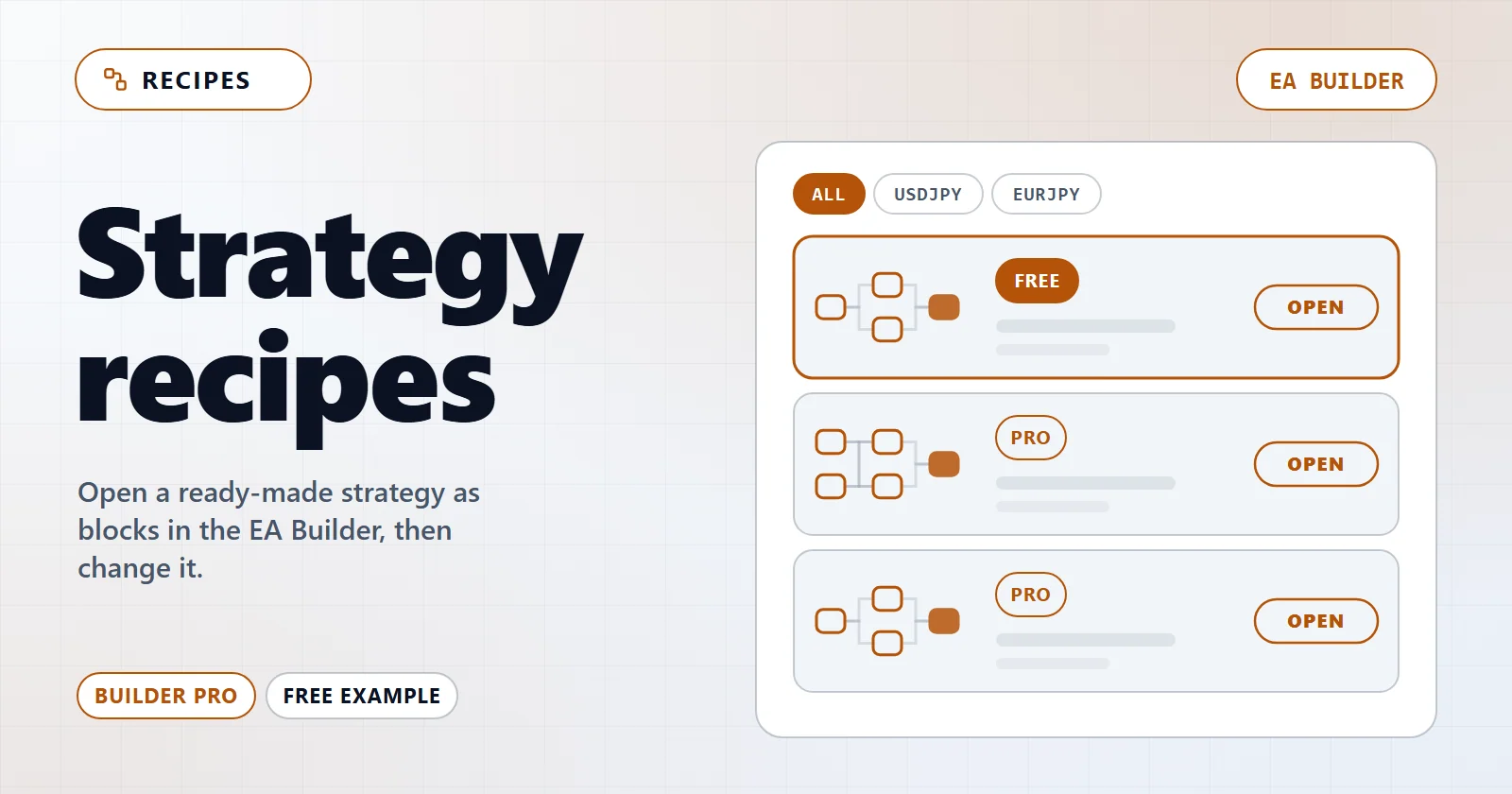

- 配方數
- 9
- 商品數
- 4
- 策略類型
- 4
- 獲利因子中位數
- 1.30
One Pro recipe a month, free, by email. Press the button in the mail to open it in the Strategy Builder and run your own backtest. The mail does not include the .mq5 source or a compiled file; those are part of Pro.
免費範例
從免費配方開始
這個配方無需 Pro 授權即可在 Strategy Builder 中開啟,讓你在決定之前先看看配方如何以模組形式載入。
- Free
Tokyo Fixing Fade (USDJPY M1)
This week's Strategy of the Week - a free template with its test numbers and caveats, open on the canvas with no sign-up.
Request a strategy - send an idea in a few sentences and we may build it on the canvas for you.
AI League - three automatic strategies each week, registered in advance and checked against that week's real price moves.
包含在 Pro 中
Strategy Builder Pro 中的配方
依市場篩選
結果對所有人公開。配方的積木區塊與設定包含在 Pro 中。
- Pro
USDJPY M1 — Time window
USDJPY M1 time window
- 獲利因子
- 1.82
- 交易數
- 532
- 最大回撤
- 0.70%
- 勝率
- 59.4%
真實 tick 回測 2019.01.01-2025.12.01
- Pro
EURJPY M1 — Time window
EURJPY M1 time window
- 獲利因子
- 1.66
- 交易數
- 532
- 最大回撤
- 0.94%
- 勝率
- 59.0%
真實 tick 回測 2019.01.01-2025.12.01
- Pro
USDJPY M1 — Time window
USDJPY M1 time window
- 獲利因子
- 1.47
- 交易數
- 454
- 最大回撤
- 1.96%
- 勝率
- 57.9%
真實 tick 回測 2019.01.01-2025.12.01
- Pro
USDJPY M1 — Time window
USDJPY M1 time window
- 獲利因子
- 1.42
- 交易數
- 348
- 最大回撤
- 3.77%
- 勝率
- 57.8%
真實 tick 回測 2019.01.01-2025.12.01
- Pro
CHFJPY M1 — Time window
CHFJPY M1 time window
- 獲利因子
- 1.30
- 交易數
- 363
- 最大回撤
- 2.22%
- 勝率
- 52.9%
真實 tick 回測 2019.01.01-2025.12.01
- Pro
USDJPY M5 — Combo
USDJPY M5 compound
- 獲利因子
- 1.22
- 交易數
- 508
- 最大回撤
- 10.37%
- 勝率
- 59.6%
真實 tick 回測 2019.01.01-2025.12.01
- Pro
JPNIDXJPY H1 — Ichimoku
JPNIDXJPY H1 ichimoku
- 獲利因子
- 1.21
- 交易數
- 362
- 最大回撤
- 1.16%
- 勝率
- 63.8%
真實 tick 回測 2019.01.01-2025.12.01
- Pro
EURJPY M15 — Keltner mean-reversion
EURJPY M15 keltner
- 獲利因子
- 1.20
- 交易數
- 478
- 最大回撤
- 8.30%
- 勝率
- 37.9%
真實 tick 回測 2019.01.01-2025.12.01
- Pro
EURJPY M15 — Ichimoku
EURJPY M15 ichimoku
- 獲利因子
- 1.20
- 交易數
- 436
- 最大回撤
- 9.12%
- 勝率
- 37.8%
真實 tick 回測 2019.01.01-2025.12.01
9 個配方中有 9 個記錄了測試環境,其餘早於現行的門檻日誌。所有數字都來自讓該配方通過門檻的那次回測,而非實盤交易。
運作方式
三步從配方到你自己的 EA
- 1
從清單中開啟一個配方
在下方選一列,點擊「在 Strategy Builder 中開啟」。配方包含在 Strategy Builder Pro 中,Strategy Builder 的其餘功能仍然免費。
-
 2
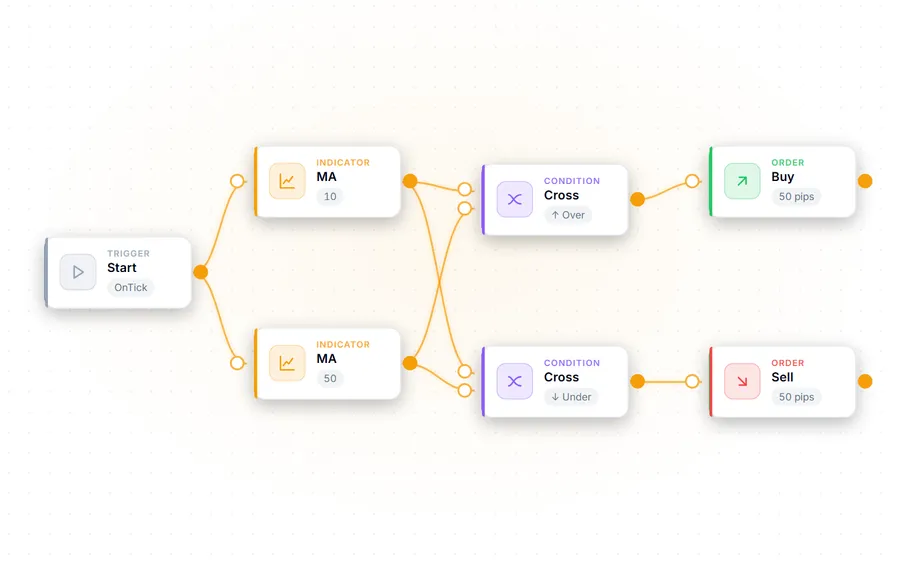
它會以模組形式載入畫布
配方會在 Strategy Builder 畫布上以模組圖的形式開啟,方便你閱讀、重新排列與擴充。
-
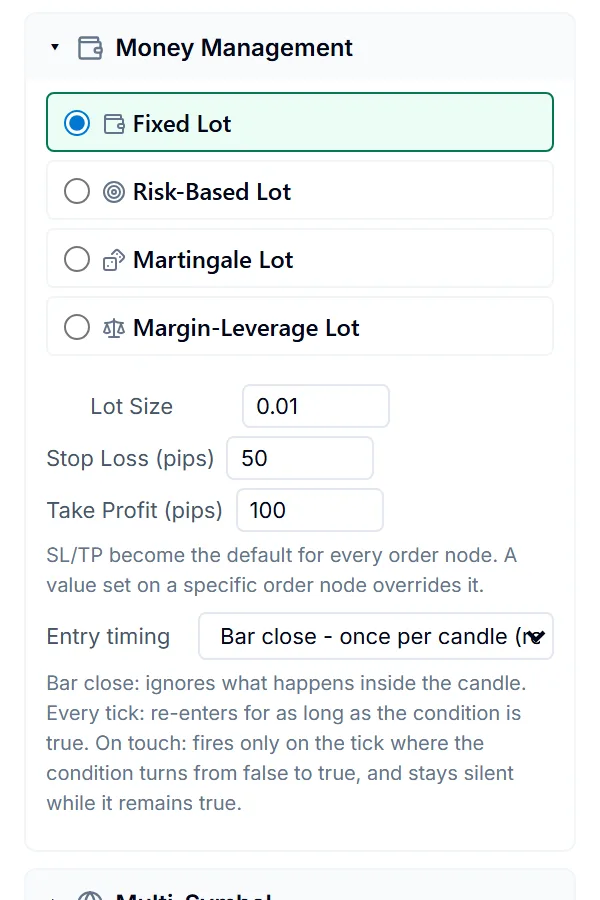 3
調整、測試、下載
依你的經紀商與風險修改參數,重新執行強度測試,然後下載 MQL5 原始碼並在 MetaEditor 中編譯。
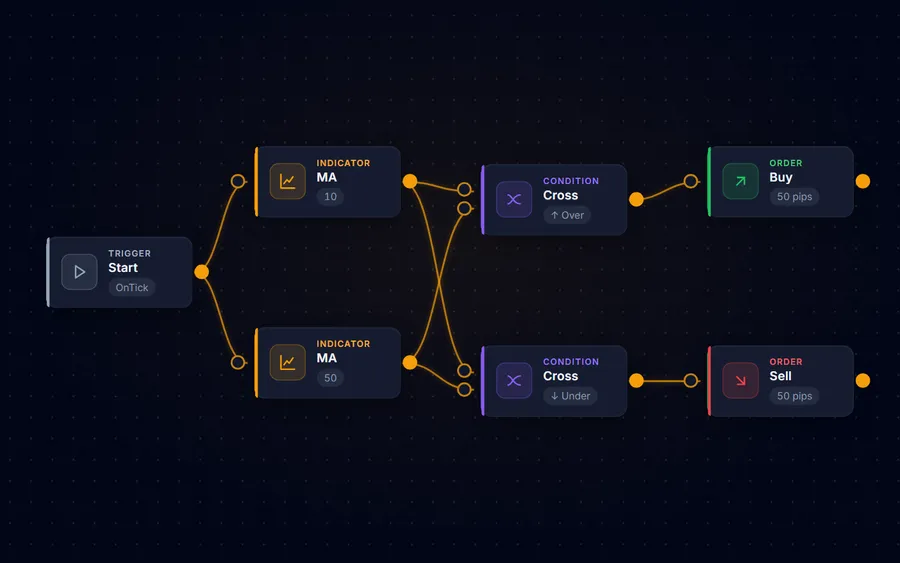
在 Strategy Builder 中開啟配方需要 Strategy Builder Pro。Strategy Builder 的其餘功能仍然免費。
了解 Strategy Builder Pro過去的回測結果不能預測未來收益。投入真金白銀之前,請用你自己券商的資料和帳戶條件重新測試每一個配方。