MQL4 to MQL5 Converter
See what stops your MT4 EA from running on MT5, then convert it. Anything that cannot be fixed automatically is marked, never dropped.
Free diagnosis · Converted MQL5 is Pro
Compatibility diagnosis
Each row is a kind of MQL4 code that MQL5 does not accept as it is.
Converted MQL5
The converted .mq5 keeps your code and adds a short compatibility layer for MQL4 order handling and indicators.
Checking your plan…
The converted MQL5 is part of Pro
The diagnosis above is free and needs no account. Showing and downloading the converted .mq5 needs Pro.
See ProNotes to fix by hand
Open the file in MetaEditor, search for TODO(m4, fix each note, then test it in the Strategy Tester before any live use.
How to use it
- Enter your numbersType your own values into the fields, or choose your MetaTrader report if the tool reads a file. The values already there are only a starting example.
- Read the result and the diagnosisThe large number answers the question. The cards under it say what looks wrong and what to change.
- Try a fix or take it furtherApply a suggested change to see the result move, follow the link to the next tool, or copy the link to come back to the same inputs.
How this is calculated
The diagnosis scans the source for the MQL4 calls, constants and structures that MQL5 does not accept, and counts them by kind. It runs in this tab on the text you load. The conversion rewrites those places: start() becomes OnTick(), extern becomes input, Bid and Ask, price arrays and MarketInfo use their MQL5 forms, and indicator calls get handles.
MQL4 order functions work differently in MQL5. The converted file adds small helper functions that behave like the MQL4 ones, so your trading logic stays readable. They are written for accounts that allow hedging; the file warns when it is attached to a netting account.
Conversion is mechanical. Custom indicators called with iCustom, DLL imports and a few rare functions cannot be fixed automatically; each one is marked with a TODO note that says why. Indicators and libraries are not converted. Always read the notes and re-run your backtests, because results on MT5 can differ from MT4.
Questions and answers
Is it free, and do I need an account?
The diagnosis is free and needs no account. The converted .mq5 is part of Pro.
Is anything uploaded?
The diagnosis runs in this browser tab. Your source is not uploaded and not saved. Converting (Pro) sends the source once to the converter and returns the result. It is not stored.
How far can I trust the result?
The diagnosis counts patterns in the text you load; it does not run your EA. A clean diagnosis does not promise the same trading results on MetaTrader 5.
Related tools
Build the next version in Strategy Builder
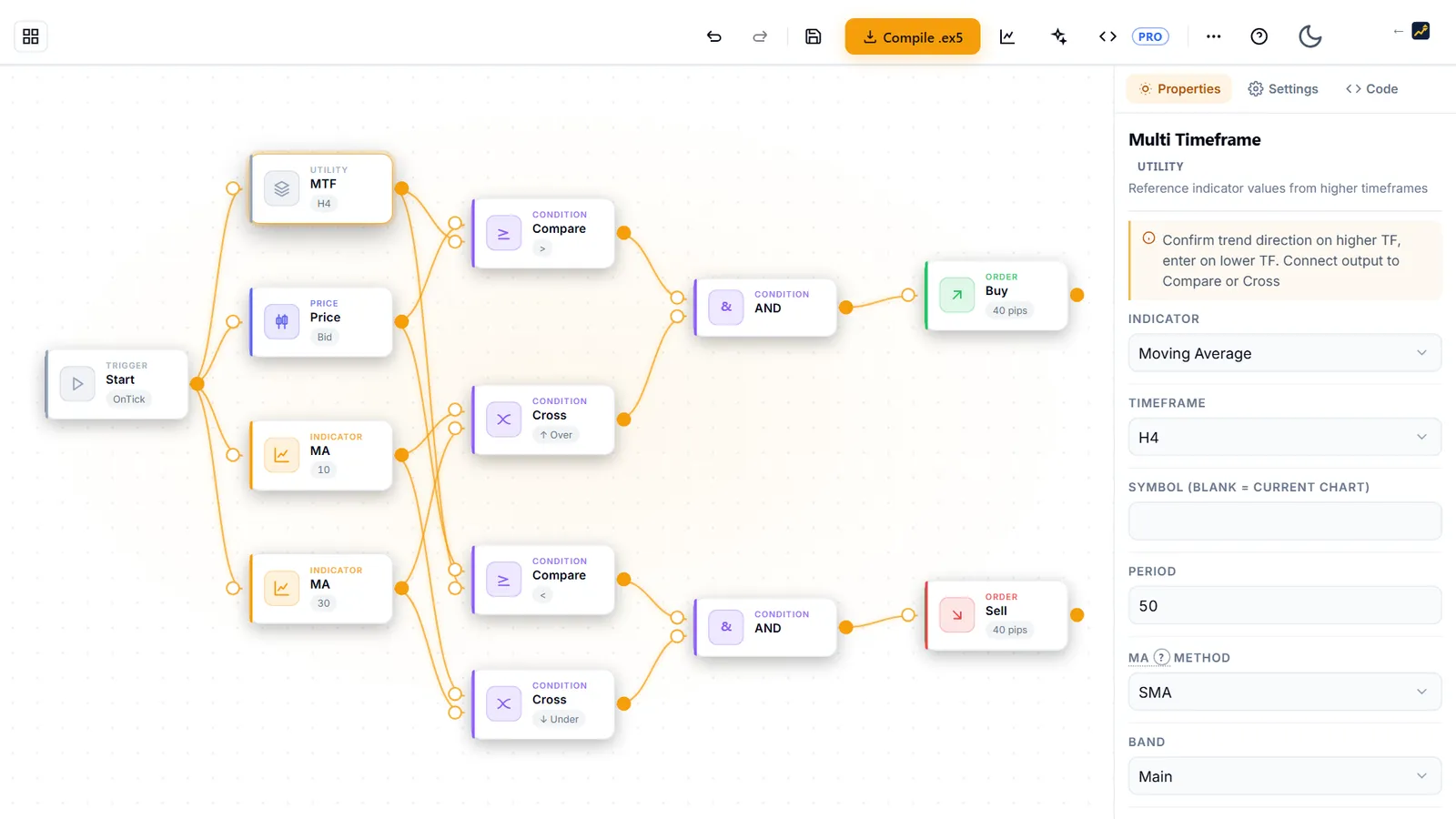
Once the old EA runs on MetaTrader 5, AIStrategyMiner Strategy Builder is where you keep improving it. Wire the entry, filters, stop loss and exit as blocks instead of editing code, change one setting at a time and export the MQL5 source of each version.
- Rebuild the rule you rely on as blocks, build the EA for MT5 and more, then test it in the Strategy Tester.
Check the finished EA in your own trading platform before you trust it. The numbers on this page come from what you typed; they are not a forecast of results.