Capital Planner
Turn the planned lot size of each strategy into the drawdown to expect from past records, the capital it needs and a recommended minimum balance.
Free · No install · Runs in your browser
Capital Planner
The planned lot size of each strategy scales the drawdown seen in its report.
A report does not store the lot size. Enter the lot used in the report and the lot you plan to use. Leave both at 1 to use the report as it is.
| Strategy | Lot in report | Planned lot | Scale | Max drawdown in report | Max drawdown at planned lot |
|---|
Capital needed is the larger of two figures: the drawdown divided by the percentage you accept, and the drawdown times the safety multiple. It rests on the worst drawdown in the loaded reports; a deeper one can still happen.
How to use it
- Enter your numbersType your own values into the fields, or choose your MetaTrader report if the tool reads a file. The values already there are only a starting example.
- Read the result and the diagnosisThe large number answers the question. The cards under it say what looks wrong and what to change.
- Try a fix or take it furtherApply a suggested change to see the result move, follow the link to the next tool, or copy the link to come back to the same inputs.
How this is calculated
The drawdown of each report is scaled by planned lot divided by reported lot and added up, which assumes the worst stretches could arrive together. The combined figure over the common period is shown next to it as the favourable case.
Report times are used as written, so reports saved with different server times can differ by up to one day. Every figure describes the reports you loaded. A short history, a single market phase or a lot size that is not in the report limits what the figures can say.
Questions and answers
Is it free, and do I need an account?
Free · No install · Runs in your browser. No account needed to calculate.
Is anything uploaded?
Nothing is uploaded. The report never leaves your device.
How far can I trust the result?
Everything is calculated from the reports you load, in your browser. The results describe past records, not future profit.
Related tools
Change the lot size and see the capital
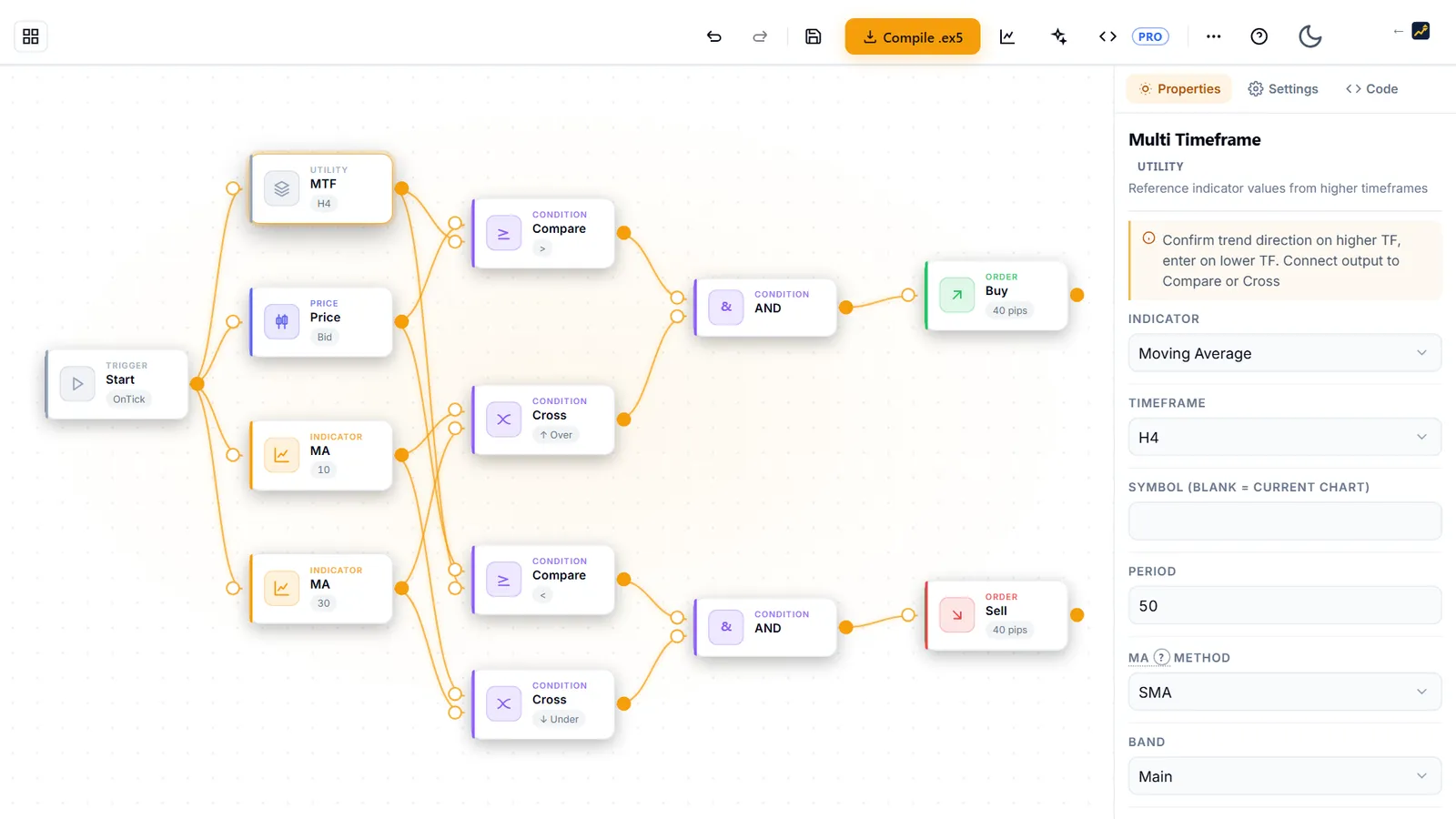
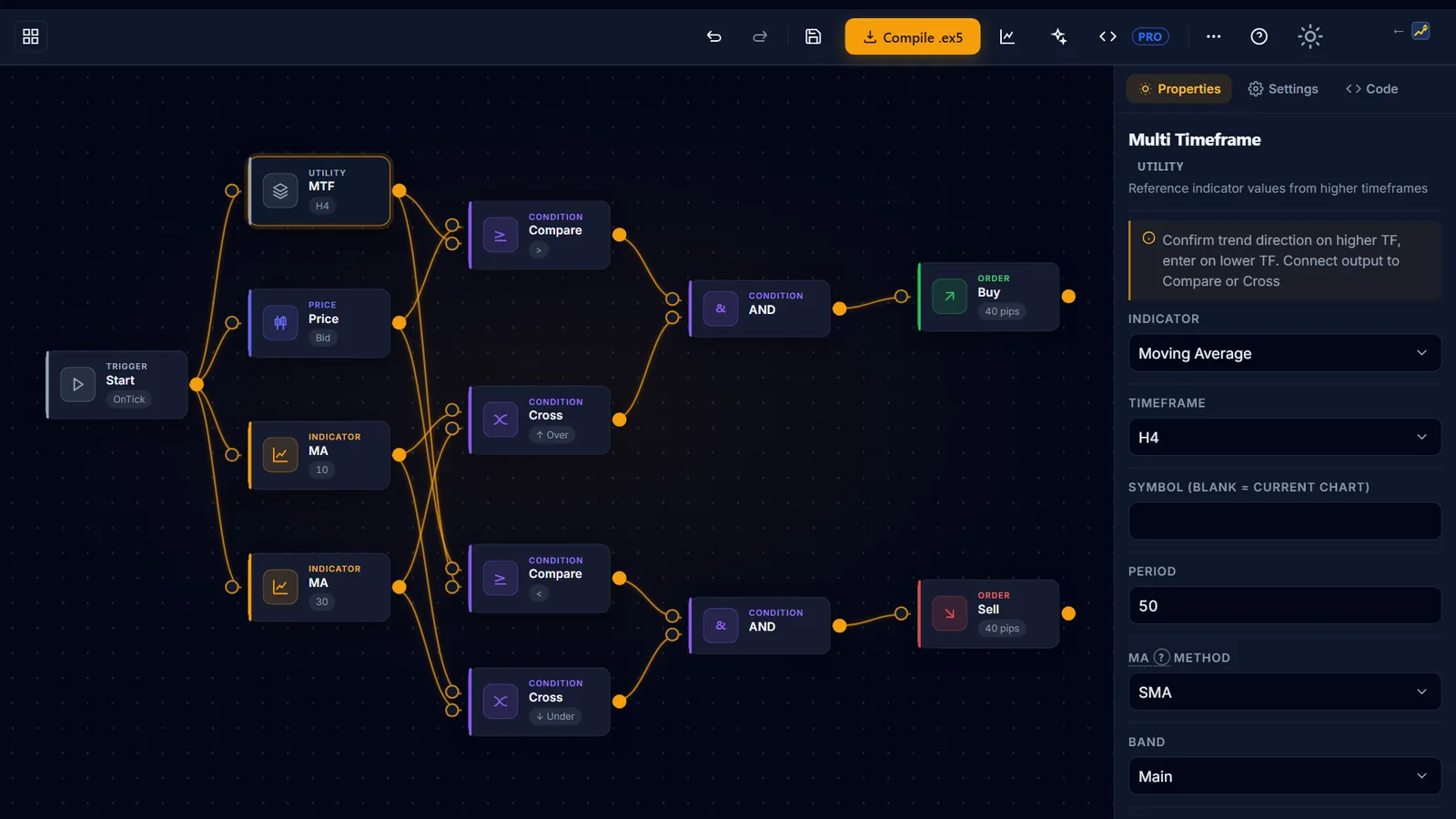
The planner turns lot sizes into the capital a set of strategies needs. AIStrategyMiner Strategy Builder lets you wire the lot size and stop loss as blocks, change one setting at a time and export the MQL5 source of each version, with no code.
- Adjust the lot size or the stop loss in a block, build the EA for MT5 and more, test it and load the new report to see the capital it needs.
Check the finished EA in your own trading platform before you trust it. The numbers on this page come from what you typed; they are not a forecast of results.