No-code Indicator Builder
Build a MetaTrader 5 custom indicator — without writing MQL5 by hand.
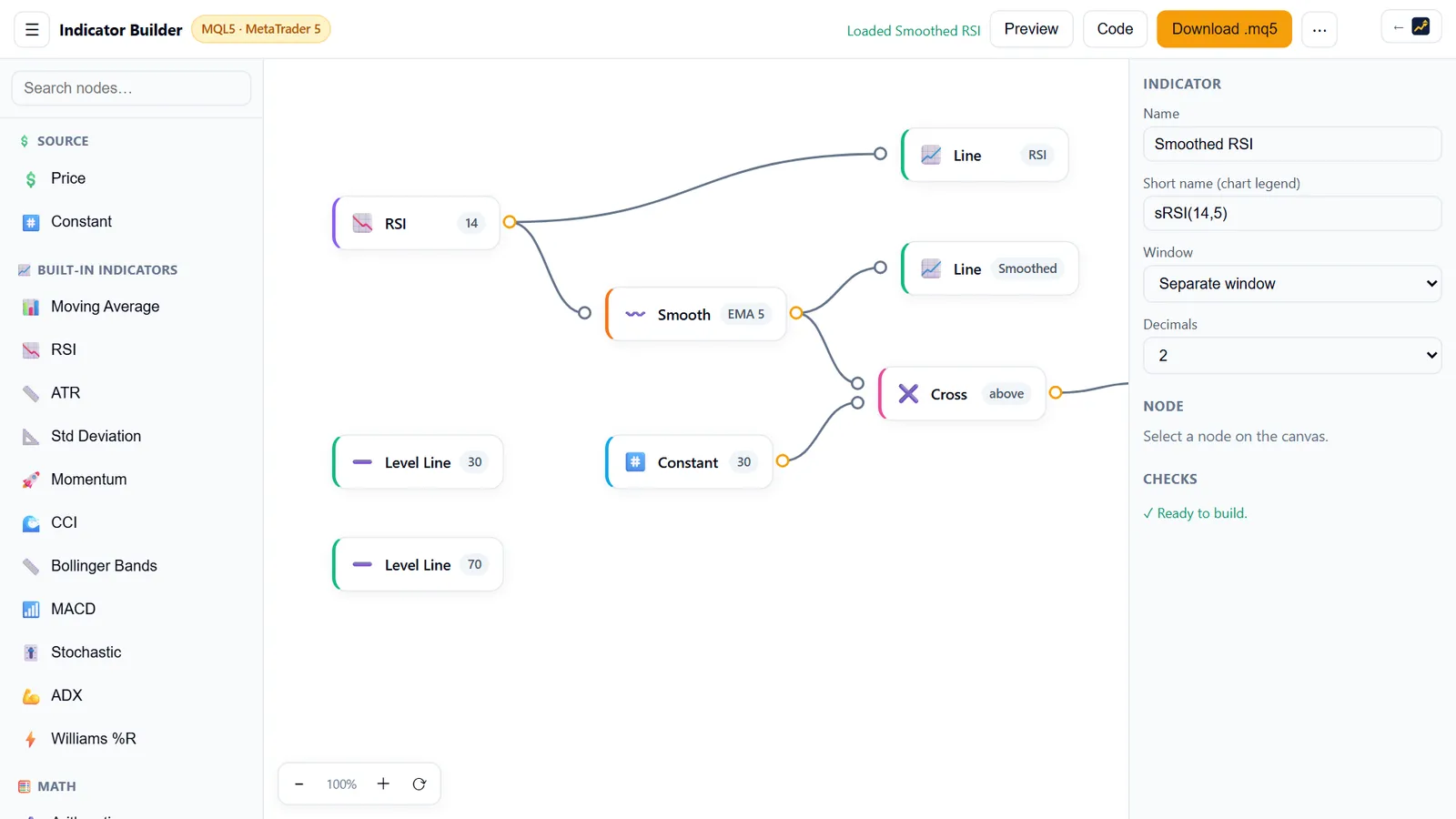
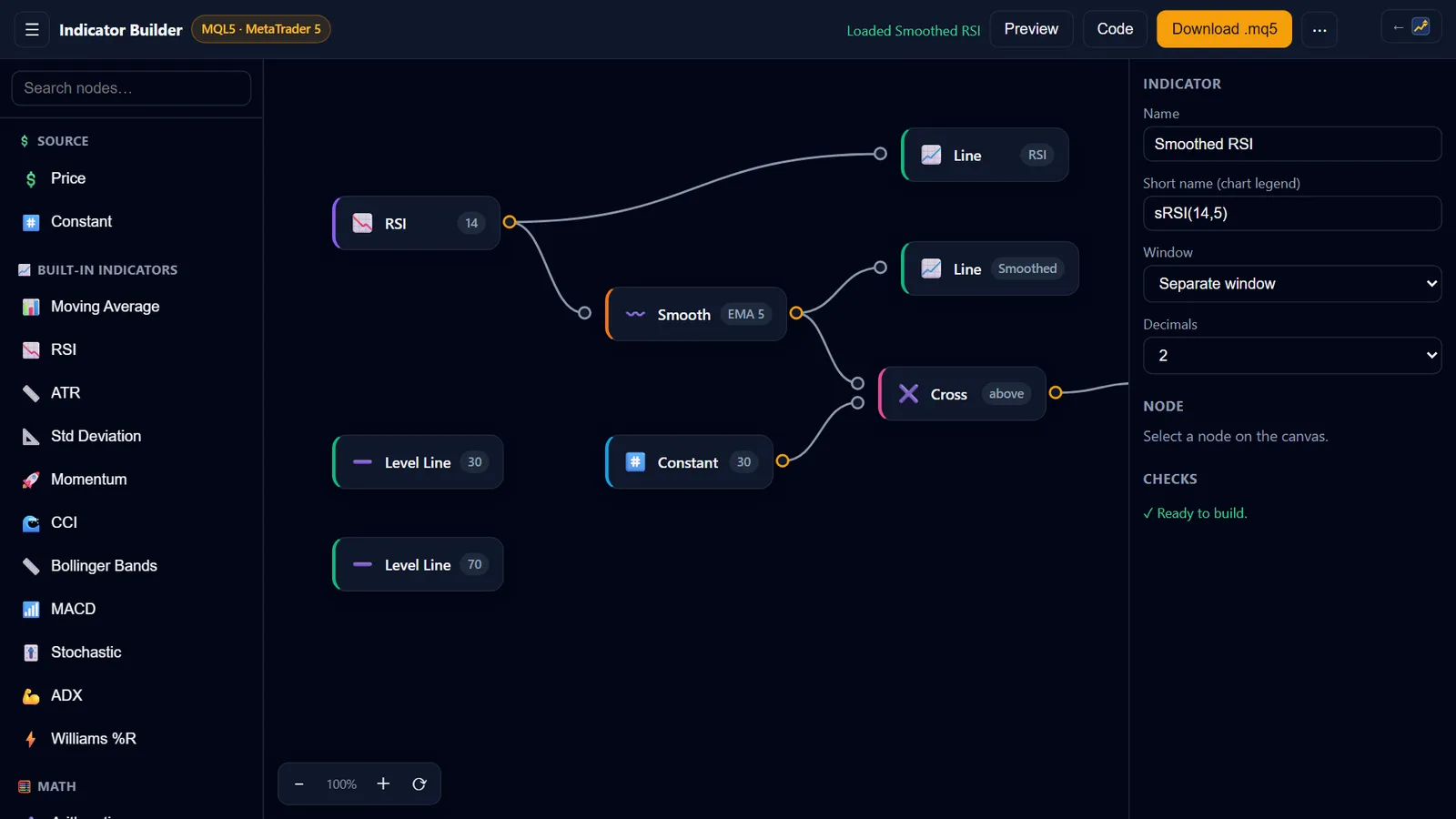
AIStrategyMiner Indicator Builder is a no-code development tool. You wire the calculation on a visual canvas and watch the plots being drawn in your browser. With Pro, you export a real MQL5 (.mq5) custom indicator.
- 28
- blocks in 5 categories
- .mq5
- MQL5 source — included in Pro
- iCustom
- callable from an EA you build
- 0
- installs — runs in your browser
What the Indicator Builder is — and is not
It is a software development tool that outputs MQL5 source code. It is not a trading robot, a brokerage, a signal service, or financial advice.
- It does generate a custom indicator (.mq5) from a visual design.
- It does not execute trades, place orders, or connect to a broker.
- It does not tell you when to buy or sell — an indicator draws, you decide.
- You compile the source in MetaEditor and verify it on your own charts.
How it works
From a drawing to a compiled indicator in three steps
-
 1
1Wire the calculation on a canvas
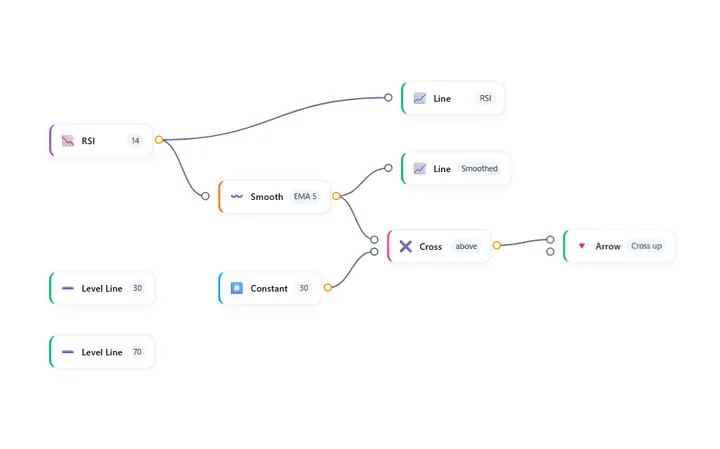
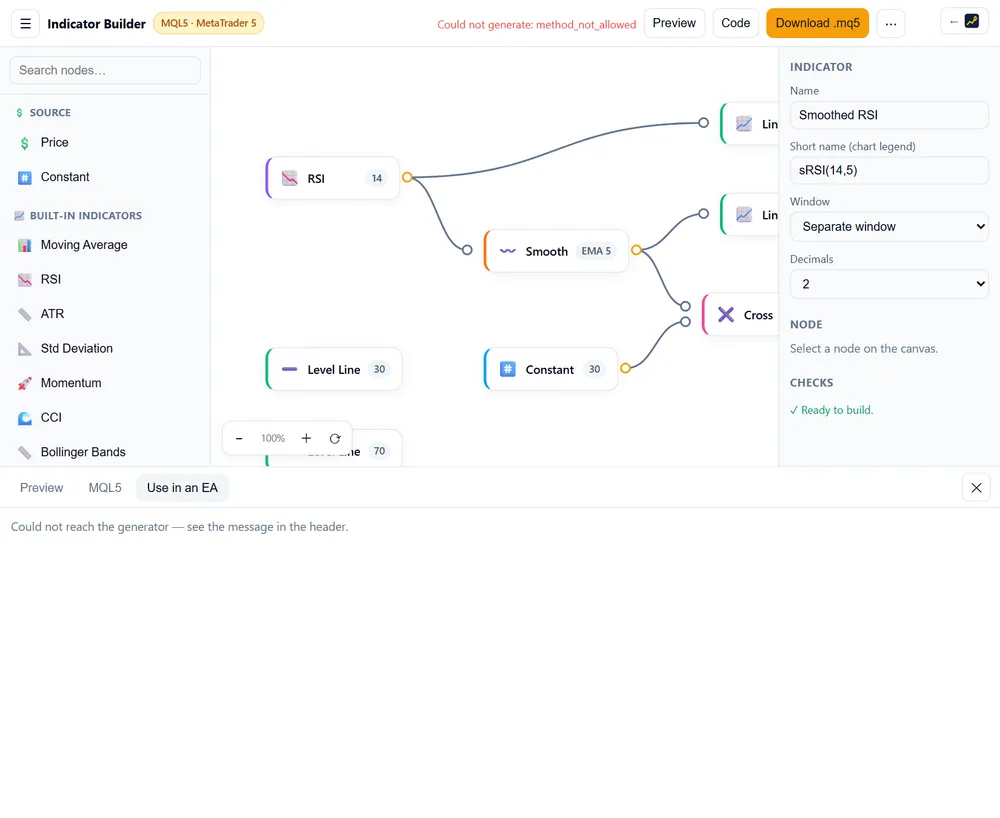
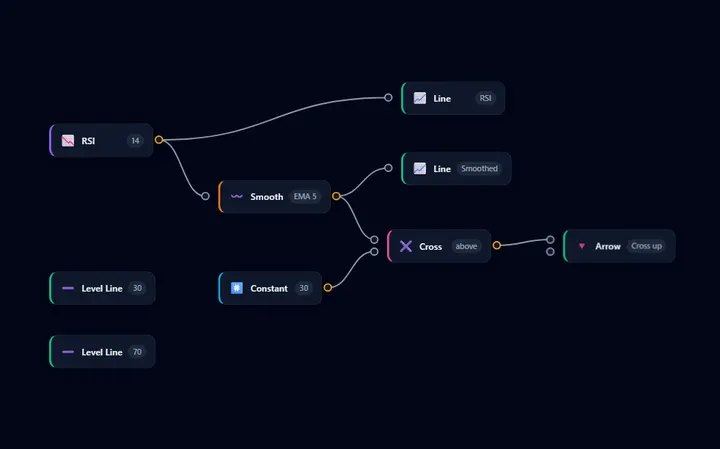
Drag price sources, built-in MetaTrader indicators, and math blocks onto a flowchart and connect them — 28 blocks across 5 categories. No OnCalculate boilerplate, no buffer indexing to get wrong.
-
 2
2See it drawn while you build
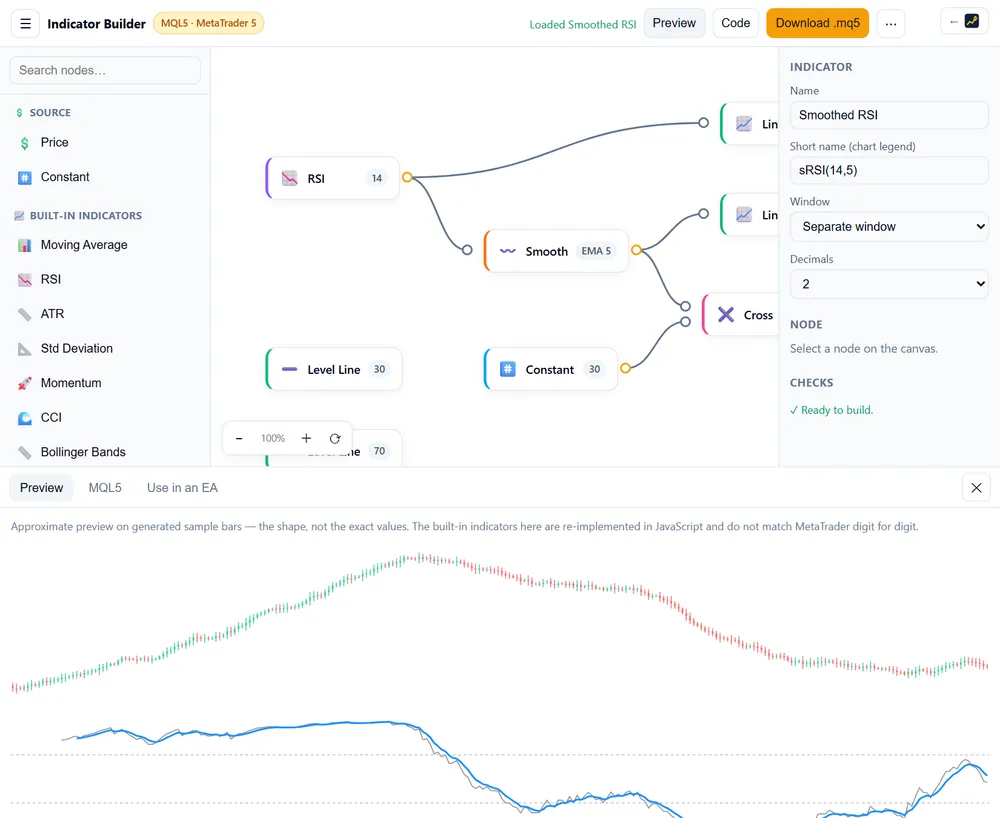
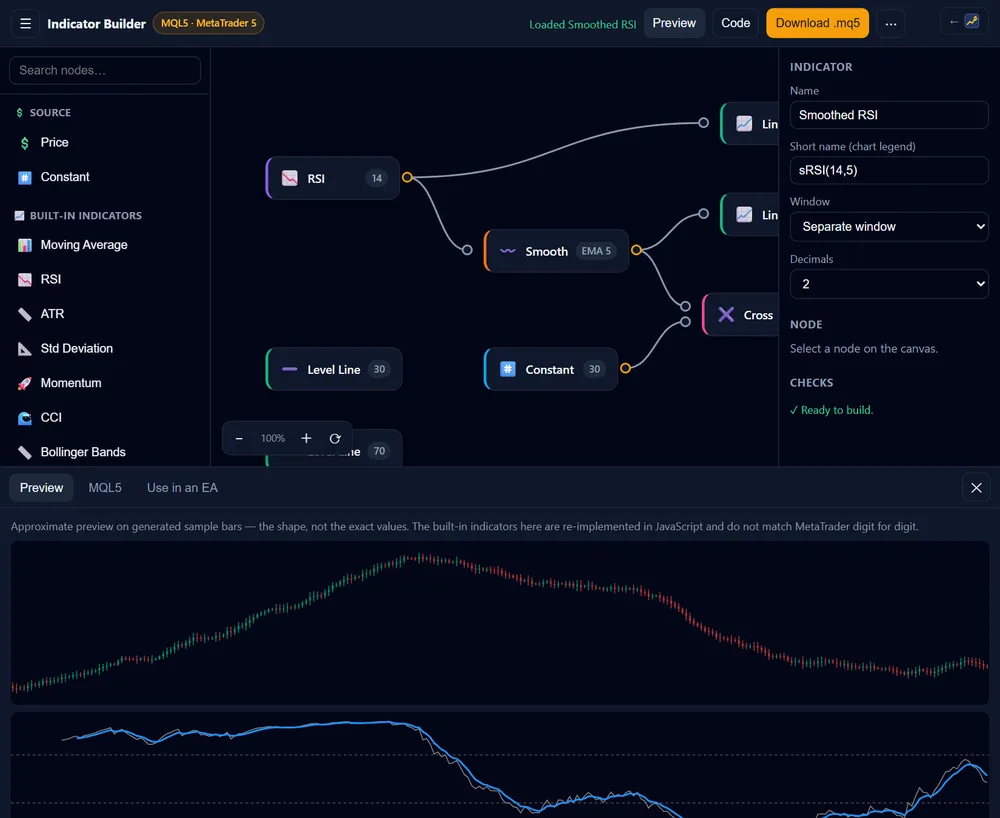
The browser preview draws your plots on sample bars as you wire them, so a mistake in the logic is visible before you export anything. The preview is an approximation of the MetaTrader calculation, not a substitute for it.
-
 3
3Export a real MQL5 indicator
Download a .mq5 custom indicator — OnCalculate with proper drawing buffers — compile it in MetaEditor, and drop it on any chart. Or send it straight into the EA Builder as an iCustom block. The .mq5 source is a Pro feature.
Features
A development environment, not a black box
Visual calculation editor
Price, built-in indicators, math, comparisons and plots as connectable blocks — 28 types in 5 categories, each with its own parameters.
Built-in MetaTrader indicators
Moving averages, RSI, MACD, ATR, Bollinger Bands, Stochastic and more are wired as blocks — the generated code calls MetaTrader's own handles, not a re-implementation.
Live in-browser preview
Plots are drawn as you edit so you can see the shape of your indicator immediately. It is an approximation for shaping the idea; MetaTrader remains the authority on the values.
Readable MQL5 output
The generator emits a structured custom indicator — buffers registered, warmup handled, inputs declared — that you can read, edit in MetaEditor, and keep.
Use it inside an EA
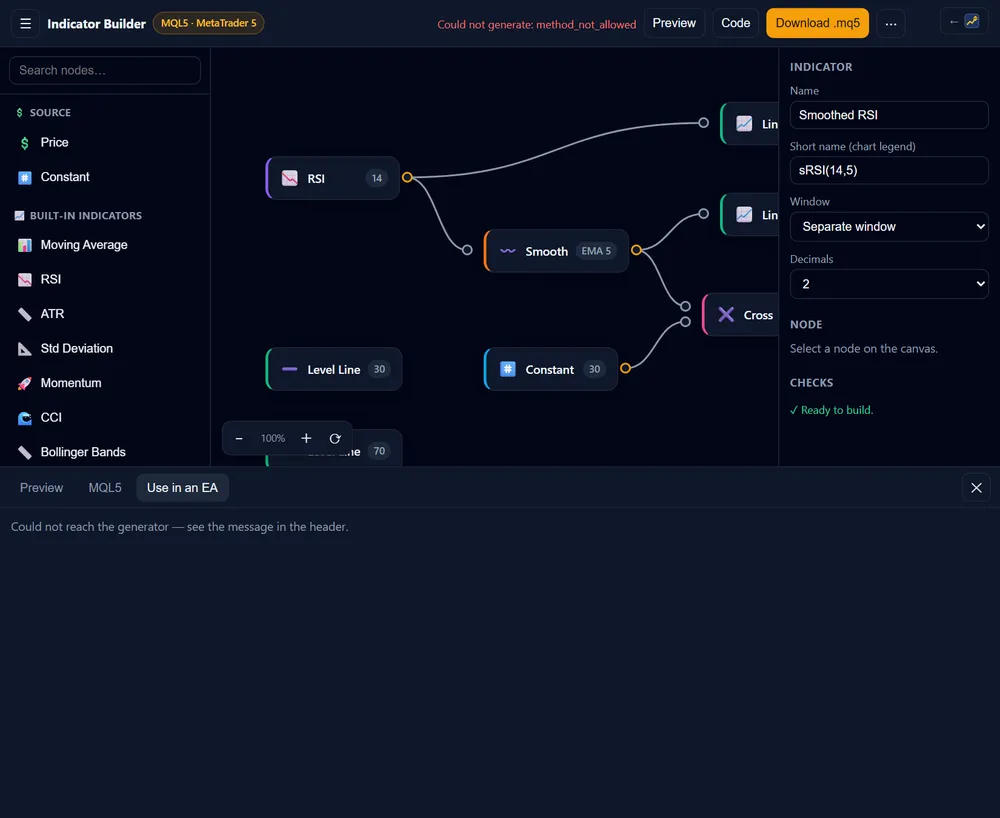
The “Use in an EA” tab hands the buffer numbers and arguments to the EA Builder through a deep link, so an iCustom block arrives already filled in.
Nothing to install
The builder runs entirely in the browser. You only need MetaTrader 5 to compile and run what you download.
Templates
Start from a working indicator
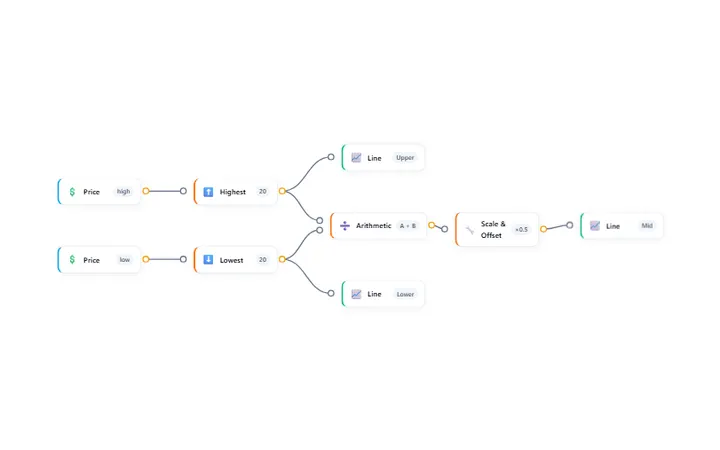
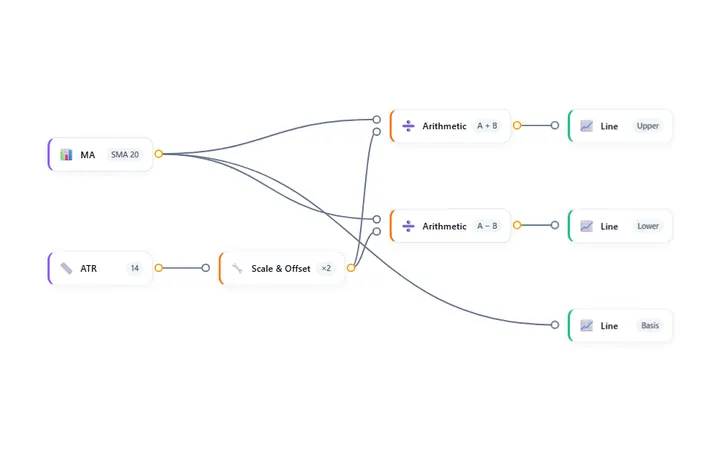
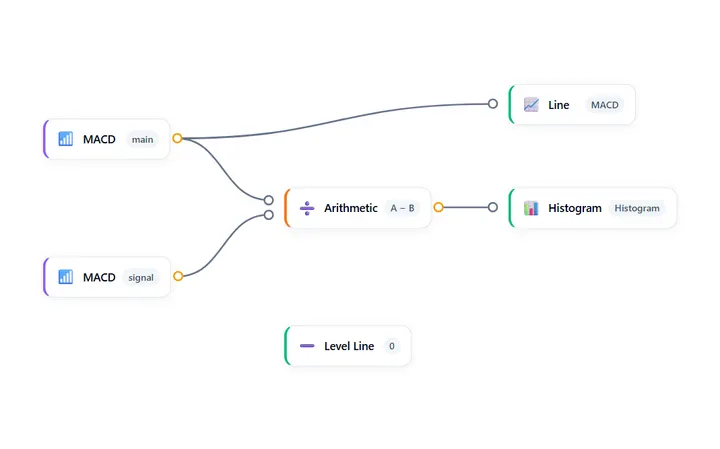
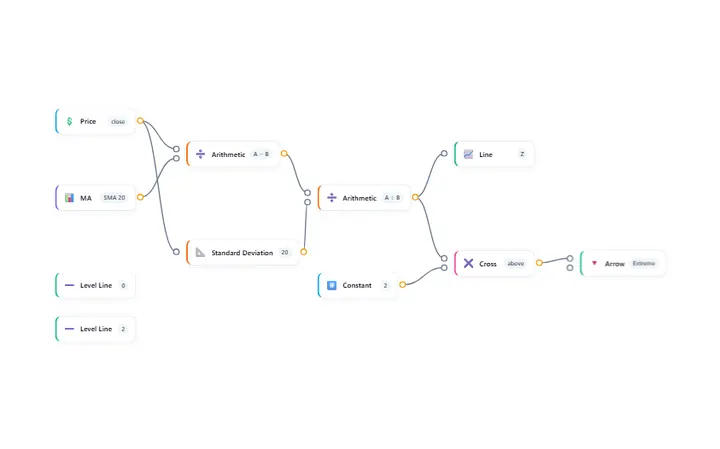
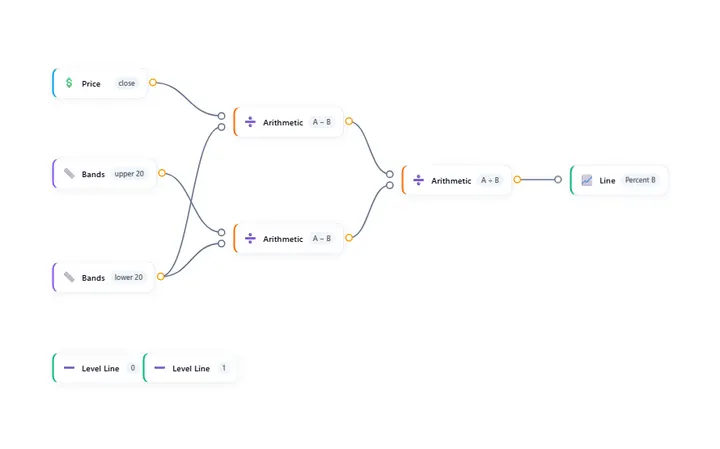
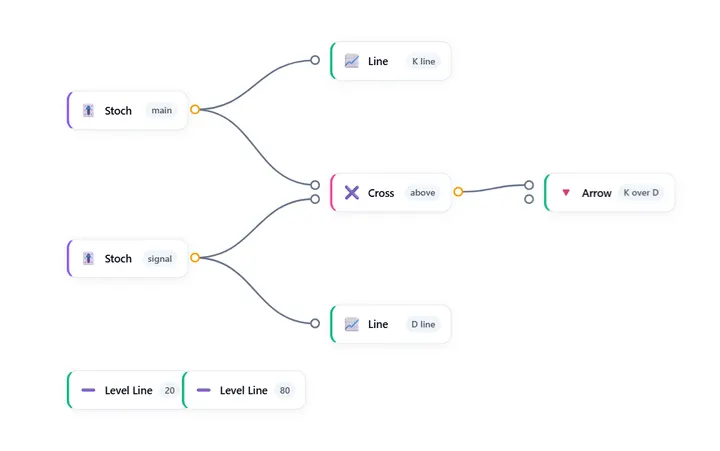
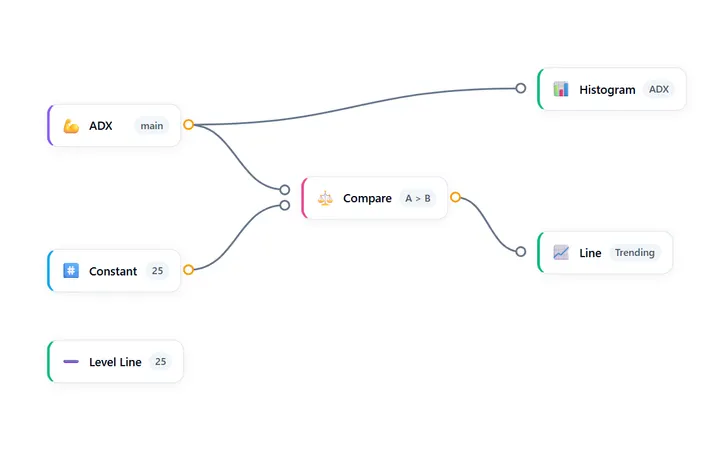
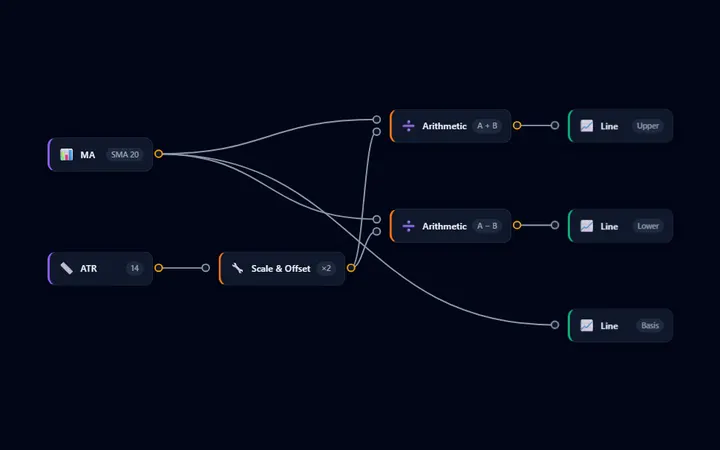
Every template opens as a complete block diagram with its plots already wired — load one, then change the parts you want. A few are shown here.
-
-
-
-
-
-
-
-

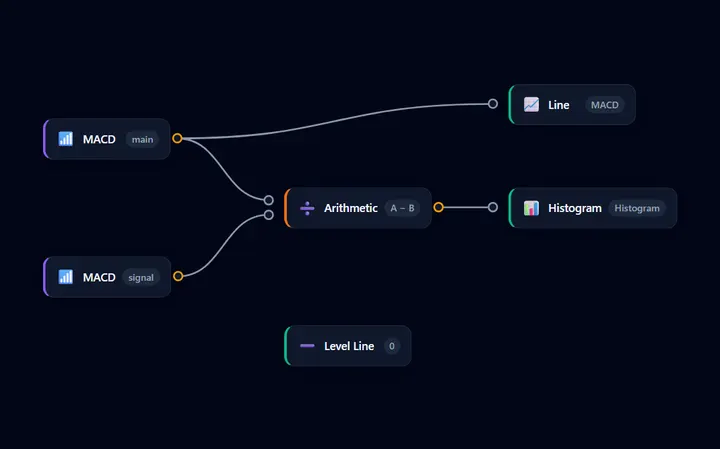

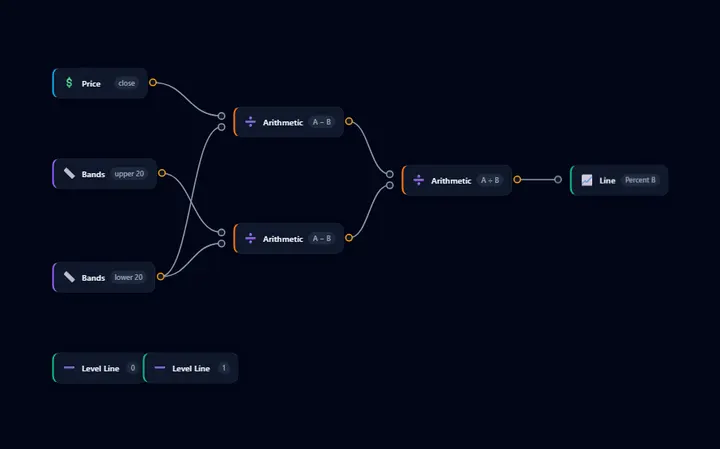
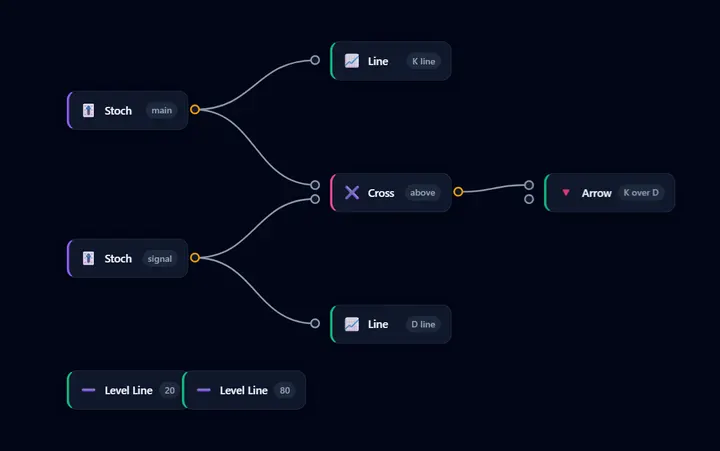
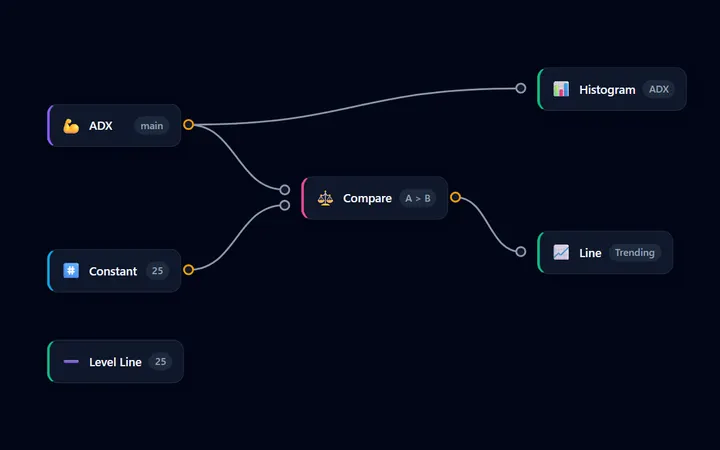
Two builders, one canvas
Indicators draw. Expert Advisors act.
The Indicator Builder generates a custom indicator — code that calculates values and draws them on a chart. The EA Builder generates an Expert Advisor — code that opens and manages positions. They share the same visual editor, and they meet at iCustom: an indicator you build here can be read by an EA you build there, with the buffer numbers and arguments carried across for you.
Start here when the idea is “I want to see this on my chart.” Start with the EA Builder when the idea is “I want this rule traded for me.”
FAQ
Frequently asked questions
Is the Indicator Builder free?
You can build and preview an indicator without paying — no account needed. The editable MQL5 (.mq5) source, the download and the “Use in an EA” hand-off are part of Pro, a one-time licence that also covers the EA Builder’s compile and source.
What exactly do I get when I export?
A .mq5 custom indicator source file: OnCalculate with the drawing buffers registered, your parameters declared as inputs, and the calculation wired the way you drew it. You compile it in MetaEditor and attach the result to a chart like any other indicator.
Does the preview show the same values MetaTrader will?
Not exactly. The browser preview solves the built-in indicators in JavaScript to draw the shape of your design while you edit; MetaTrader computes the real values from your broker's history. Treat the preview as a design aid and verify the compiled indicator on a chart.
Can I use the indicator inside an Expert Advisor?
Yes. Compile the exported indicator into MetaTrader, then open the “Use in an EA” tab: it passes the indicator name, its arguments, and the buffer numbers to the EA Builder, which places a matching iCustom block for you. Buffer numbers follow the order you placed the plots.
Does the Indicator Builder trade for me?
No. It is a software development tool that outputs source code. It does not execute trades, place orders, connect to a broker, or provide trading signals. An indicator draws lines on a chart; what you do with them is your decision.
Start building
Build and preview in your browser — no installation, no account. The editable MQL5 source is part of Pro.
Risk Warning: Trading CFDs and derivative instruments involves significant risk and is not suitable for all investors. Source code you generate with the Indicator Builder is provided as a development tool only; you are solely responsible for verifying it and for any trading decisions taken with it. An indicator describes past and current price data and is not a reliable indicator of future results. The Service is not directed at residents of the United States or other Restricted Jurisdictions.